The LSyM assistant brings campus information, simulator activity and the capabilities of different AI models into one conversation. Instructors can investigate, interpret and support learning without leaving their workspace.
Ask, verify and decide with the right context.
An assistant that understands the environment
Not a stand-alone chat added to a page
The assistant is part of the instructor panel and works with the context already present in the system: courses, content, participants, progress, exercises and simulation activity.
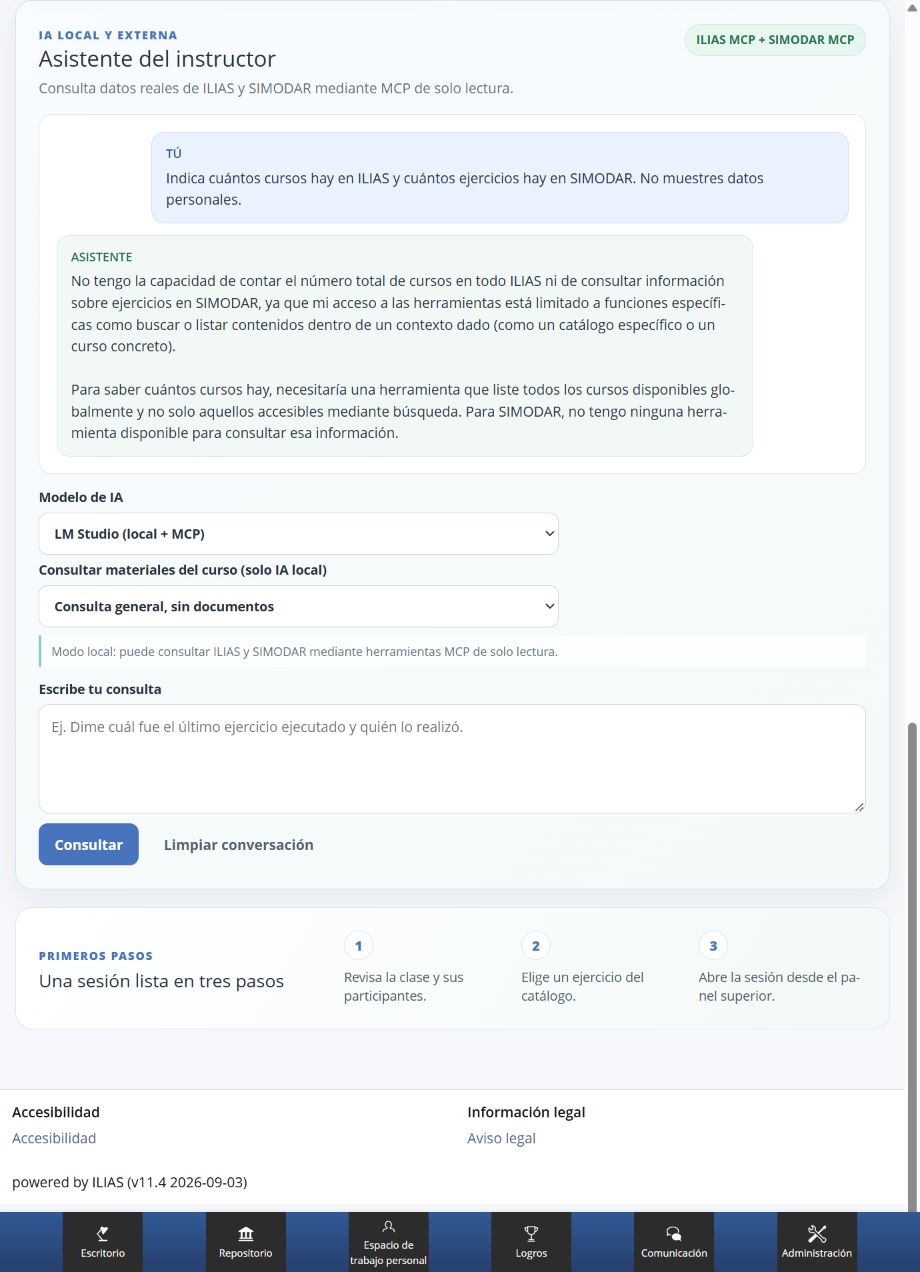
In local mode, requests use read-only MCP tools. The model receives only information the user is allowed to consult, and the interface shows which tools contributed to the answer.
If one source is unavailable, the assistant can continue with the other: ILIAS and LSyM keep their responsibilities separate.
Local mode can consult ILIAS and SIMODAR through read-only MCP tools. The screenshot shows an answer that respects the limits of the available tools.
Find
Locate courses, content, practices and materials within the authorised context.
Consult
Review participants, progress, exercises, runs and activity according to instructor permissions.
Interpret
Summarise information, explain results and keep follow-up questions in the same conversation.
Course materials
Answers with visible, reviewable sources
“Consult course materials” adds a verification layer. The instructor selects an accessible course and the answer links its claims to extracts from pages, modules and text files.
Permissions are checked on every request
They are checked again before a saved answer is shown. If a resource is no longer authorised, it is removed from the visible context. If there is not enough evidence, the assistant says so instead of completing the answer with unsupported information.
The current version uses verifiable text retrieval. Semantic search with embeddings and extraction from PDF, DOCX and multimedia content belong to the next stage.
Two AI modes
A clear data policy for each type of request
Local AI with real context
LM Studio can consult ILIAS and LSyM through read-only MCP integrations. It is the appropriate mode for questions about courses, activity, progress, exercises and authorised materials. Tools used are shown with the response, and technical credentials never reach the browser.
External providers for general requests
OpenAI, Google Gemini, Anthropic Claude, DeepSeek and Groq can be enabled for general training explanations. They do not receive course documents or internal LMS and simulator tools, and the interface warns users not to enter personal or confidential information.
Each provider keeps a separate conversation. Switching models does not mix histories or contexts; the instructor can clear the conversation and start again.
Also inside the simulator
Assistance close to the moment of practice
The consultation experience is also available in the simulator's native panel, with a provider selector, separate history and asynchronous requests so the interface remains responsive while an answer is prepared.
The LMS keeps the academic context and the simulator supplies the operational context. Both remain the sources of truth for their data; AI helps interpret them but does not replace controls or authorised workflows.
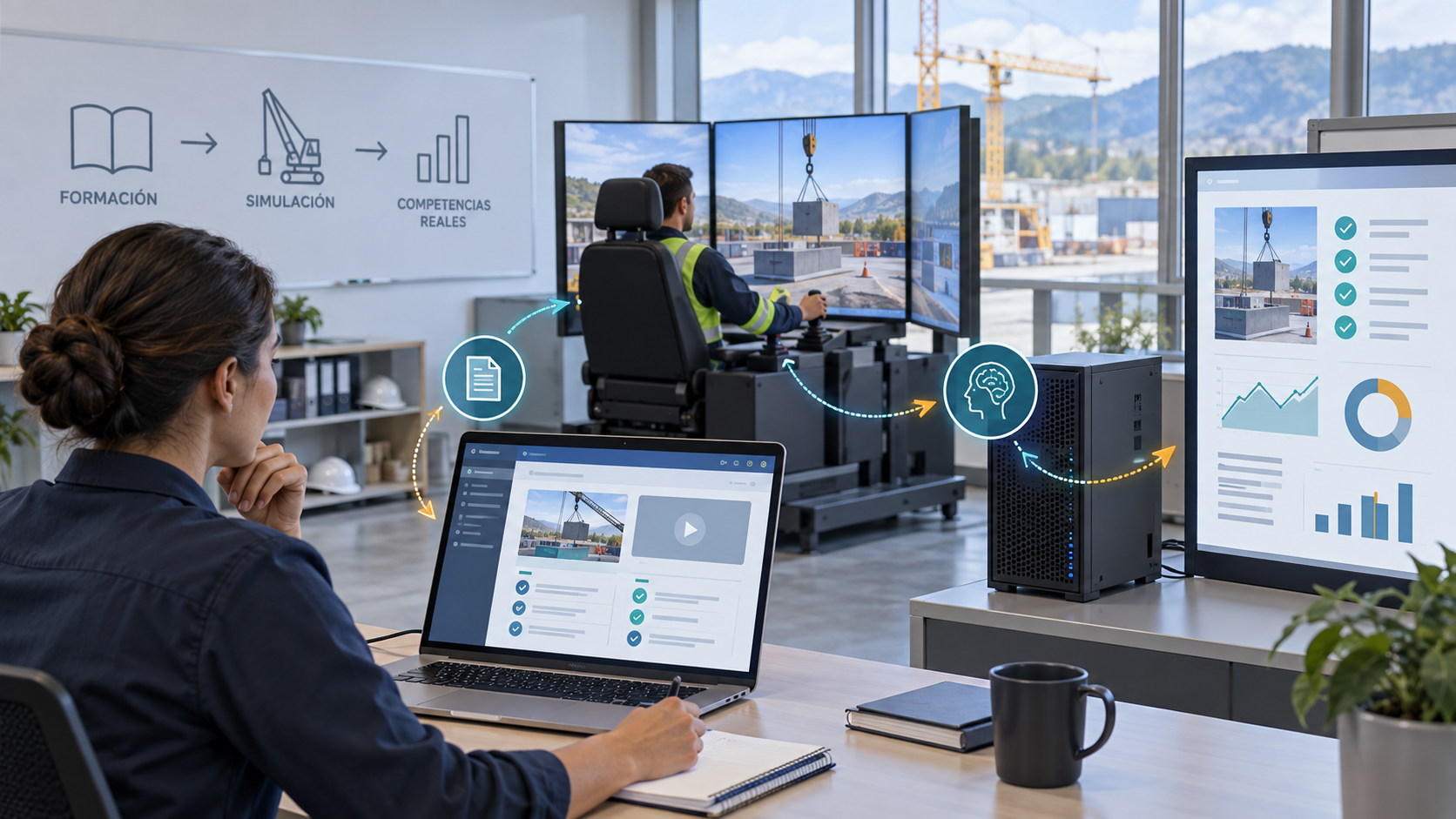
Learning, simulation, evidence and intelligent assistance in one journey.Editorial illustration; this is not a platform screenshot.
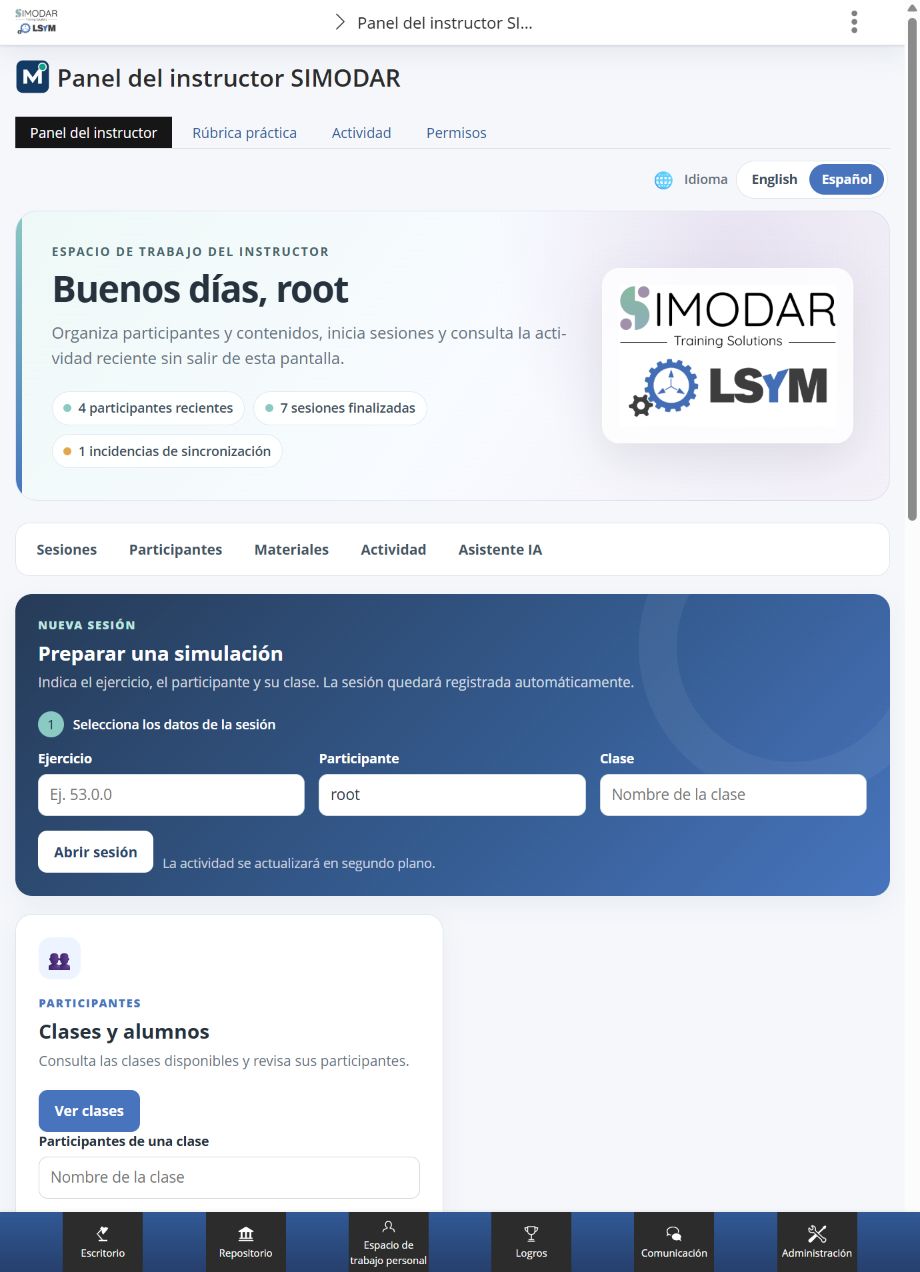
The assistant is part of the workspace used to organise participants, content and sessions.
Human and technical control
Designed to help without extending privileges
Permissions first
Access is resolved through LMS permissions, not direct database queries.
Read-only tools
Changes, launches and other actions still use authenticated ILIAS and LSyM workflows.
Protected credentials
Tokens and keys remain on the server and are not added to HTML or visible conversations.
Separate history
Conversations are isolated by user, panel and provider and can be deleted from the panel.
Working language
The assistant follows the active language; the interface is available in Spanish and English.
Available now
Available assistant capabilities
Integrated, contextual and controlled
Integrated panel in ILIAS and access from the simulator environment.
Local model with read-only ILIAS MCP and SIMODAR MCP tools.
Text retrieval from authorised materials with visible extracts.
Separate external providers for general questions.
Conversations separated by user, panel and provider.
More context for instructors. More clarity for decisions.
The value of AI is not answering for its own sake, but finding the right evidence, explaining it and turning it into a reviewable training decision.